Photo restoration, properly
Bring old photographs back to life
Repair, colourise and sharpen a damaged photograph on your phone in seconds. Then learn how it actually works, from people who will also tell you when a free tool is good enough.
5.0 on the App Store10 languages19.4 MB

What the app doesPhoto Restore for iPhone and iPad
ColorizeB&WAdd believable colour to black and white portraits
RestoreDamageScratches, creases, spotting and staining
EnhanceDetailSharpen soft focus and recover faded detail
AI HeadshotPortraitTurn an ordinary photo into a professional headshot
PriceFree*Three credits a day, no account needed to start
* Three free credits daily. Optional Pro upgrade removes the limit.
Inside the appiOS 26+
Four tools, one tap each
No layers, no masks, no desktop software. Pick a photograph, pick what is wrong with it, and the work happens in seconds.
01 · Colorize
Black and white to colour
Adds believable colour to monochrome portraits. Plausible rather than archivally accurate, which is usually what people want.
02 · Restore
Scratches and damage
Repairs creases, spotting, staining and surface scratches. Where paper is physically missing it reconstructs, and we say so.
03 · Enhance
Blur and faded detail
Sharpens soft focus and lifts detail out of prints that have gone flat with age.
04 · AI Headshot
A portrait fit for a profile
The one tool here that is not about old photographs: it turns an ordinary picture of you into a professional headshot.
Also on iPad
A bigger canvas for a fragile print
The same four tools on a screen large enough to judge the result properly. Worth it when you are working through a whole album rather than one photograph.
Get Photo Restore freeFree with three credits daily · One purchase covers both devices
Real repairs, honestly shownAll 7 damage types →
Drag it. That is the whole pitch

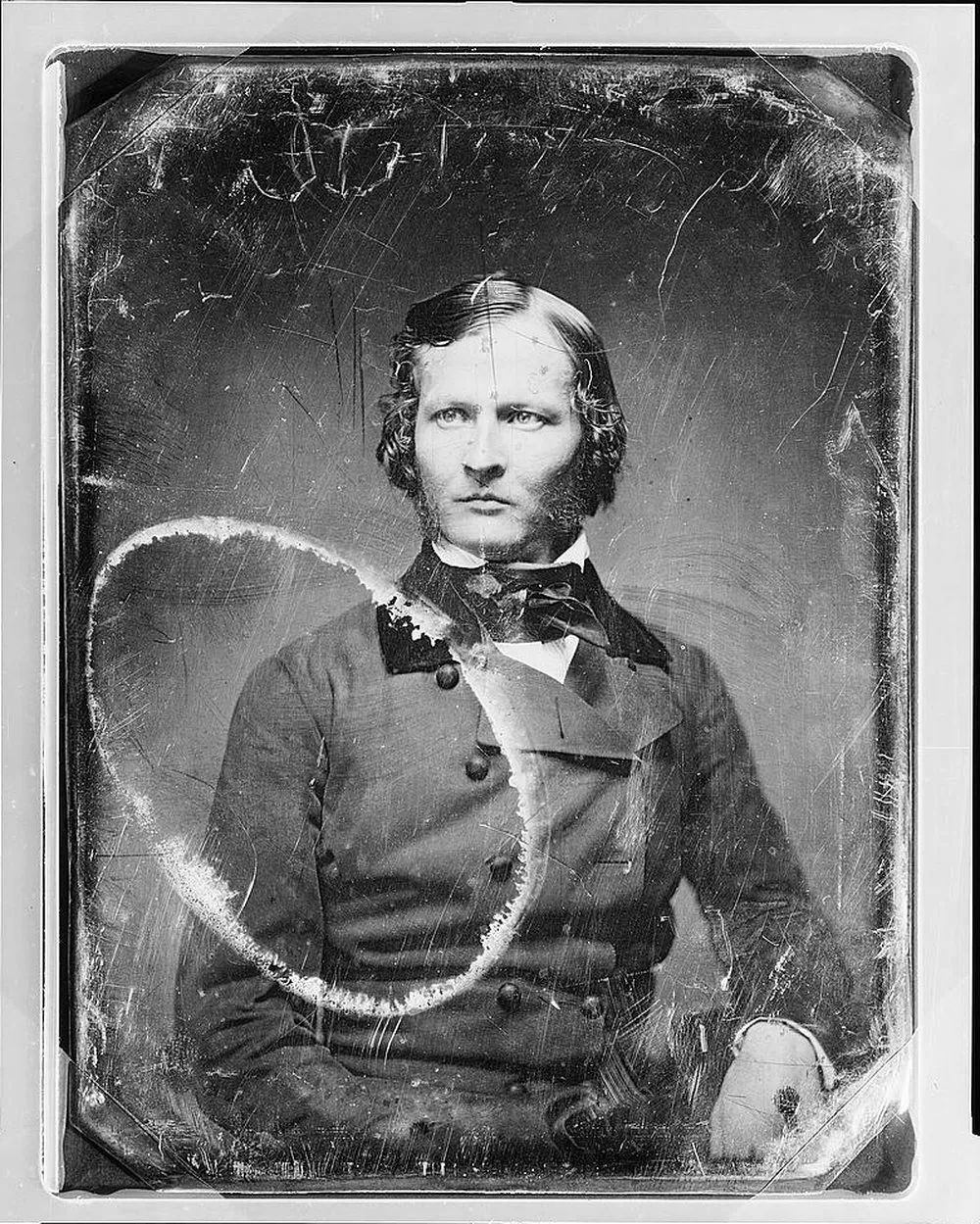
Every repair we show is a genuine before and after: a damaged photograph from the Library of Congress collections, restored with the same model that runs inside the app. Find the damage you are holding:
- Scratches
- Water and ring stains
- Mould spots
- Dark stains
- Fading and darkening
- Dirt and grime
- Deterioration and mottling
Including the one photograph we could not fix, and why we show it anyway.
Start where the damage is7 guides
What are you holding?
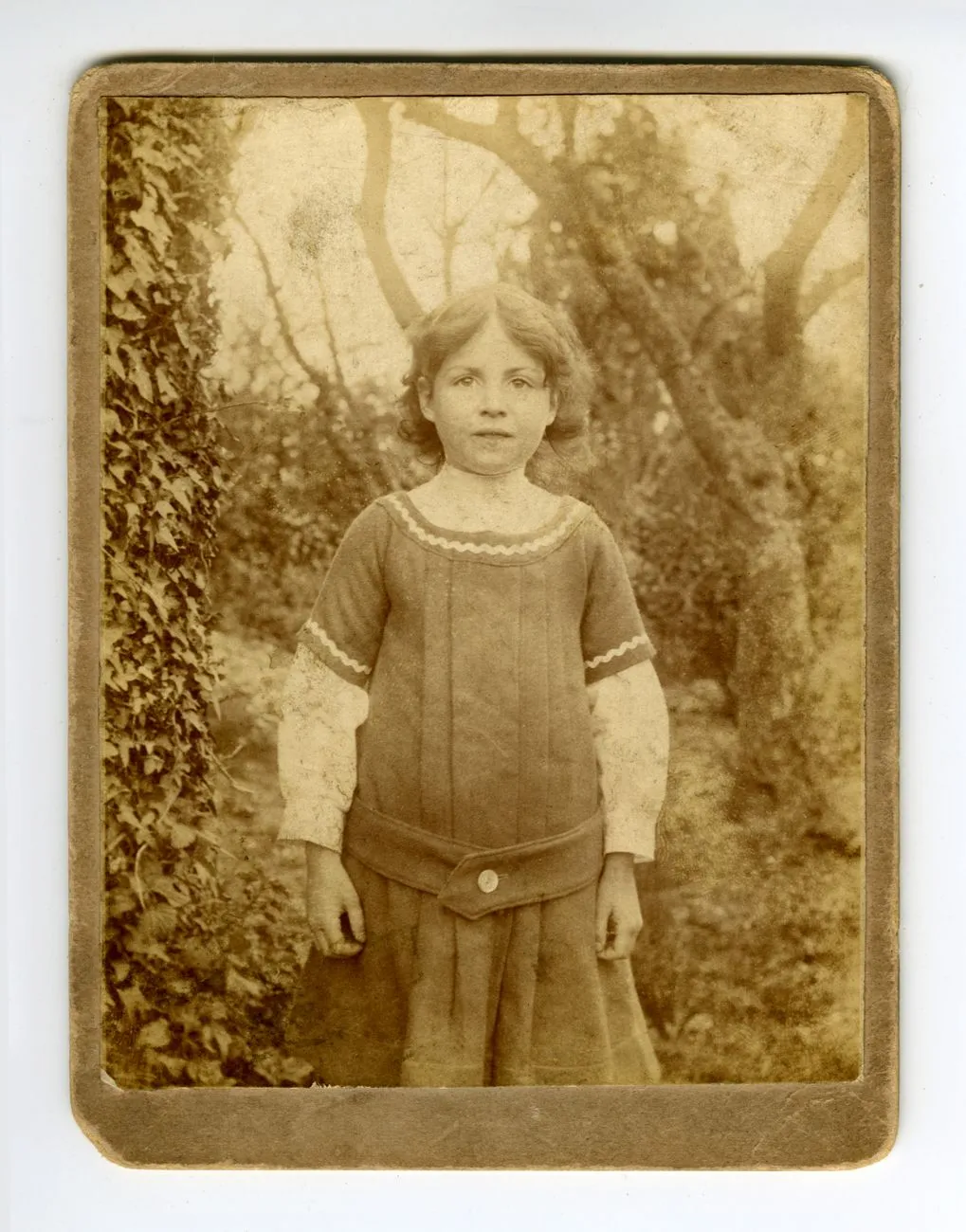
Physical damage
It is torn or creased
The most fixable damage there is, provided you resist the urge to reach for sticky tape first.
Read the guide →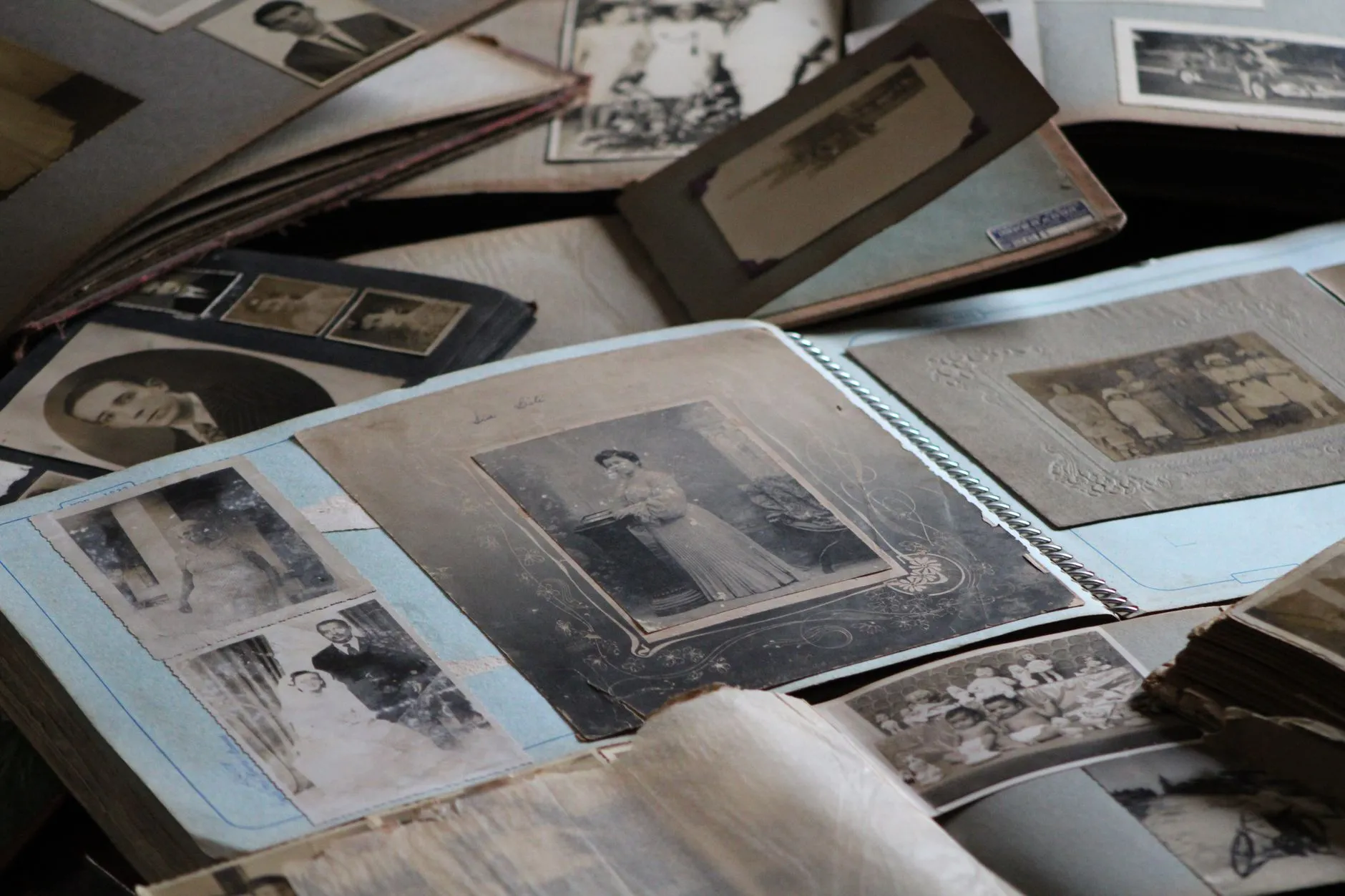
Colour loss
It has faded to almost nothing
Sun, heat and cheap 1970s dyes. Faded prints usually hold far more detail than they appear to.
Read the guide →
Whole collections
It is a box in the garage
Where to start when it is not one photograph but four hundred, and none of them are getting younger.
Read the guide →Learn the craftAll guides →
Free, tested and honest
 Scanning
How to scan 35mm slides and negatives at home
A box of slides is not a box of prints. Here is the honest workflow for digitising 35mm film yourself, from choosing equipment to the one cleaning mistake that ruins a roll.
8 min read Choosing a method
Free AI photo restoration tools, an honest look at what they can and cannot do
There are dozens of free one-click restorers and several are genuinely good. Here is what they handle well, the four things they consistently fail at, and the questions worth asking before you upload a photograph of someone you loved.
9 min readDamage and repairHow to restore a torn photograph
A torn print is one of the most fixable kinds of damage, provided you handle the original correctly first. Here is the order to do things in, from the shoebox to the finished copy.
7 min read Damage and repair
How to save water damaged photographs
What to do in the first 48 hours after a flood or a leak, including the freezer trick conservators use to buy time, and the four kinds of photograph you must never freeze.
9 min readScanning, calculatedAll 5 tools →
The numbers, drawn to scale
Five free calculators answer the questions every rescue starts with: what DPI to scan at, what the file becomes, how large it can print. Results come back drawn to scale, like this 4 x 6 next to the largest wall print its 600 DPI scan supports.
The photographs are not getting any younger
Start with the one you keep meaning to deal with. Three restorations a day are free, and nothing you upload is used to train anything.
Get Photo Restore freeiPhone and iPad · No account needed